
Home / iPhone & iPad / Download
Delta Executor IPA
Download For iOS
Download the Delta Executor IPA file, Install a signing app, Import the IPA into your signing app, Tap Sign, then Install. No computer is needed. The whole process usually takes under five minutes.
| About App ⓘ | |
|---|---|
| Minimum iOS version | iOS 15 |
| Works on | iPhone and iPad |
| Computer needed? | No, with Direct Install |
| Certificate lasts | ~7 days (free), longer with Premium Cost |
| Cost | Free |
| App Store listing | Not available ( Installed separately) |
Does This Work the Same on iPad?
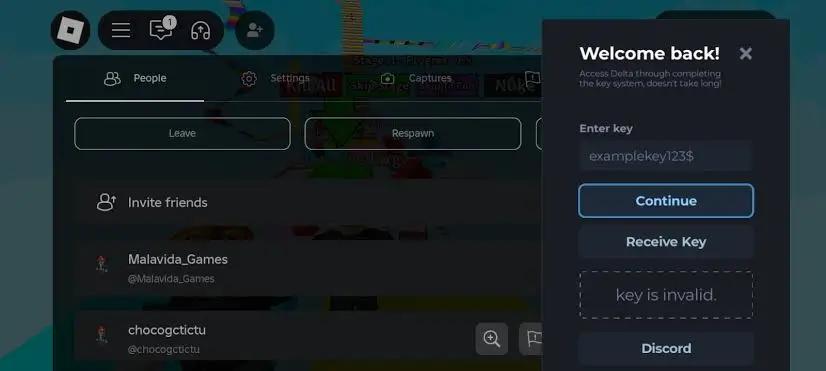
Yes. Every step above applies equally to iPad. The direct Install, sideloading, and certificate trust all work identically. The only real difference is screen size, which just makes the Delta menu easier to use.
iOS FAQ
No. Both Direct Install and sideloading work on a completely standard, unmodified iPhone.
This is a standard message iOS shows for any app installed outside the App Store. Go to Settings → General → VPN & Device Management, find the Delta profile, and tap Trust — the app will open normally afterward.
Yes, there's no restriction on which Apple ID you use. Some people prefer a secondary Apple ID out of general caution with any sideloaded app, but it isn't required.
ESign and Scarlet install and run entirely on your iPhone. Sideloadly does the same job but runs on a Windows or Mac computer connected to your phone. All three sign and install the same IPA file.
Yes. Premium uses a paid developer certificate that lasts roughly a year instead of about a week, so you don't need to reinstall nearly as often.
Related Guides
Android Install Guide
APK download and setup steps
PC Install Guide
Using an Android emulator on Windows
Script Hub
What games and scripts are supported
Safety Guide
Detection, bans, and antivirus warnings