Home / VNG (Vietnam)
VNG Guide
Updated
Delta Executor VNG
APK Download & Install Guide For Vietnam
Roblox works a little differently in Vietnam, and that means Delta Executor does too. This page is specifically for players using the VNG version of Roblox. If that's not you, the regular Android or iOS guide is what you want instead.
Quick answer: Delta Executor VNG is a separate build made to work with VNG Roblox, the version of Roblox distributed in Vietnam. It's downloaded and installed the same basic way as the global Android version, just as its own distinct file.
| About App ⓘ | |
|---|---|
| Built for | VNG Roblox (Vietnam only) |
| Works with global Roblox? | No (separate client) |
| Platform | Android |
| Cost | Free |
Why Does Vietnam Have a Different Roblox App?
In Vietnam, Roblox is distributed and published locally by VNG Corporation, a major Vietnamese technology company, rather than through the standard global Roblox app most players elsewhere use. This VNG version runs on its own underlying client code, even though the games themselves are still Roblox games.
Because Delta Executor works by connecting to the specific code a Roblox client is running, the global version of Delta Executor isn't built to match VNG Roblox's client. That's the entire reason a separate Delta Executor VNG build exists. It's not a different feature set, it's just a version aimed at a different underlying app.
Do You Actually Need the VNG Version?
| Situation | What you need |
|---|---|
| You play through VNG Roblox in Vietnam | Delta Executor VNG (this page) |
| You play the global Roblox app anywhere else | The regular Android or iOS version |
| You're in Vietnam but use the global Roblox app | The regular Android or iOS version, not VNG |
Check this before downloading
What matters is which Roblox app you actually have installed, not just your location. If you're unsure, open Roblox and check whether it's the VNG-branded app or the standard global one.
Installing Delta Executor VNG
- Confirm you're using VNG Roblox, not the global app.
- Visit delta-executore.com and open the VNG download page.
- Download the Delta -2.717.985-VN.apk file.
- Allow installation from unknown sources under Settings → Security → Install Unknown Apps, the same as the standard Android install.
- Install the APK, then open it.
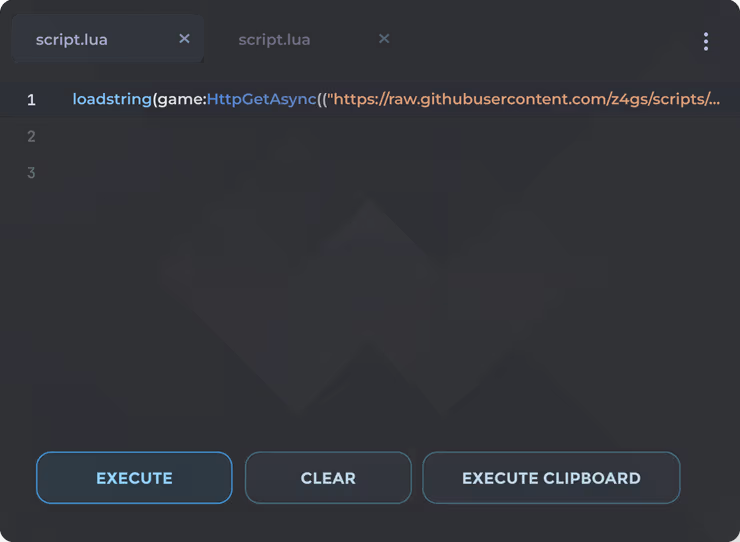
- Open VNG Roblox, load a game, then launch Delta Executor and complete the key step.
Every other step like permissions, the key system, running scripts from the Script Hub, works the same way described in the Android guide. The only real difference is which APK file you download in the first place.
The Most Common Mistake
Installing the global version of Delta Executor while using VNG Roblox, or the reverse, is by far the most common issue people run into with this setup. When the versions don't match, Delta Executor typically won't connect properly to the game, or the menu won't appear at all. If that happens, double-check which Roblox app is actually installed and make sure the Delta Executor version matches it.
VNG FAQ
It's built specifically for VNG Roblox, which is used in Vietnam, so it only serves a purpose for players on that specific client. It has no advantage over the regular version for anyone using the global Roblox app.
Many popular game scripts work the same way, since the underlying Roblox games are the same. Support can lag slightly behind the global version for very new games or updates.
No, it works the same way as described in our key system guide, the same 24-hour verification process applies.
Related Guides
Delta Safety Guide
Scam sites, bans, and viruses explained
Key System Guide
How verification actually works
Android Install Guide
APK download and setup steps
Script Hub Guide
What games and scripts are supported